in Java, to drive a servo over the Internet
We will be more or less do what's described in this document, but over the Internet.
From wherever you are on the web, you can drive the servo(s) connected to the Raspberry PI, just like if you were next to it.
We will be using node.js as a server, and WebSocket as the protocol.
This document explains how to install all we need on the Raspberry PI.
node.js server can run on the Raspberry PI, but it is not mandatory. You can very well have the node.js server installed on its own box, and the Raspberry PI connect to it, just like the other web clients that are going to connect to it too to drive the servo(s).
node.js server, using some WebSocket API. This connection from the Java program to the node.js server can be made locally or remotely, the only difference would be the URL of the server.
node.js server running on a separate box would actually relieve the Raspberry PI of the load of the server.
node servernode server and driving the servoserver.js.
display.html and client.js.
I2C.SPI.samples.ws.WebSocketListener.java.
I2C.SPI.AdafruitPCA9685 class to drive the servo, and the tools provided by the orasocket-client-12.1.3.jar library to listen to the WebSocket server.
Prompt> node server.js
ws.servo
 #!/bin/bash
 PI4J_HOME=/home/pi/pi4j/pi4j-distribution/target/distro-contents
 CP=./classes
 CP=$CP:$PI4J_HOME/lib/pi4j-core.jar
 CP=$CP:./libs/json.jar
 CP=$CP:./libs/orasocket-client-12.1.3.jar
 sudo java -cp $CP adafruiti2c.samples.ws.WebSocketListener
If the node server does not run on the Raspberry PI (aka localhost), use a system variable named ws.uri to provide its name in the script above:
sudo java -cp $CP -Dws.uri=ws://othermachine:9876/ adafruiti2c.samples.ws.WebSocketListener
Prompt> ./ws.servo
http://[machine]:9876/data/display.html.
|
|
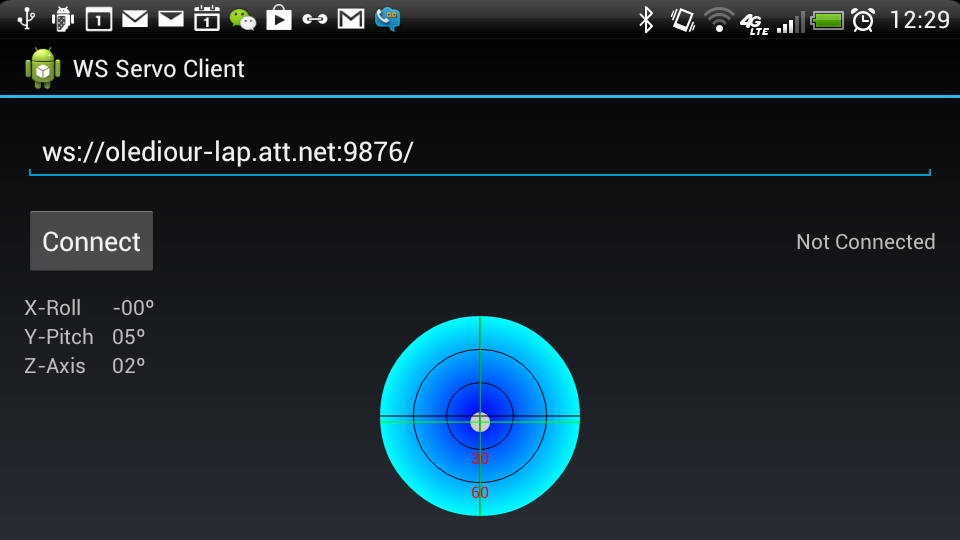
The Android application interface. Before connection.
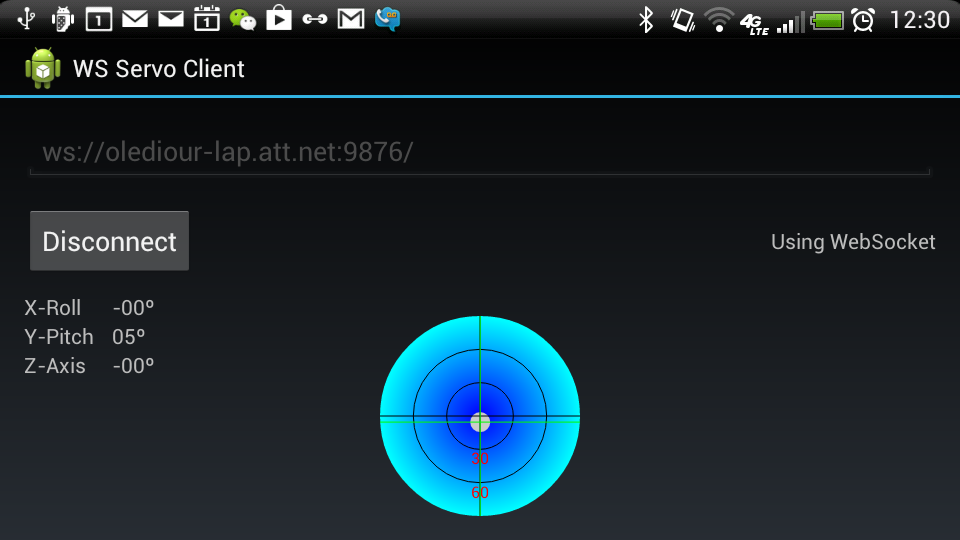
Connected.
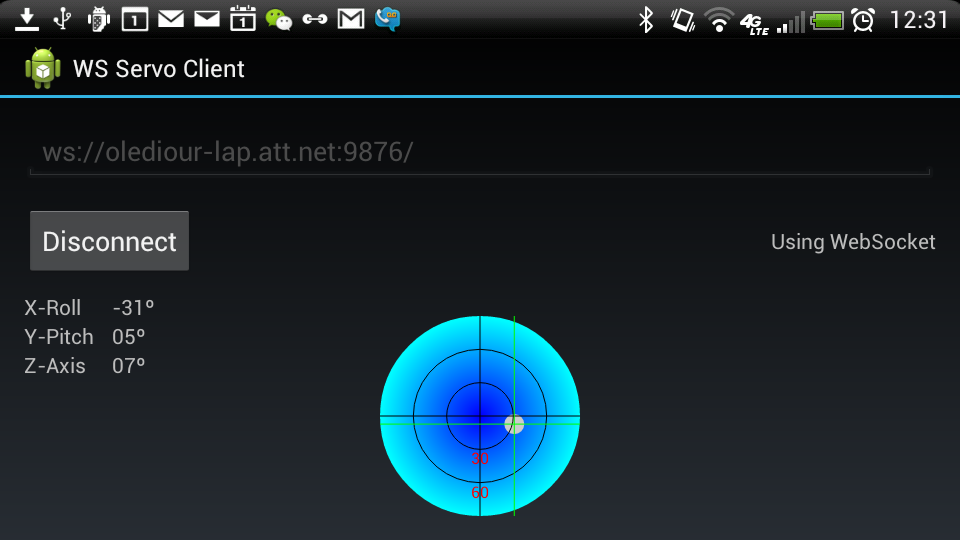
Tilted left.
Runs on Android tablets and smarphones...